Stop pasting.
DockJack handles it locally.
The Mac and Windows app for your PDFs, photos, video and data.
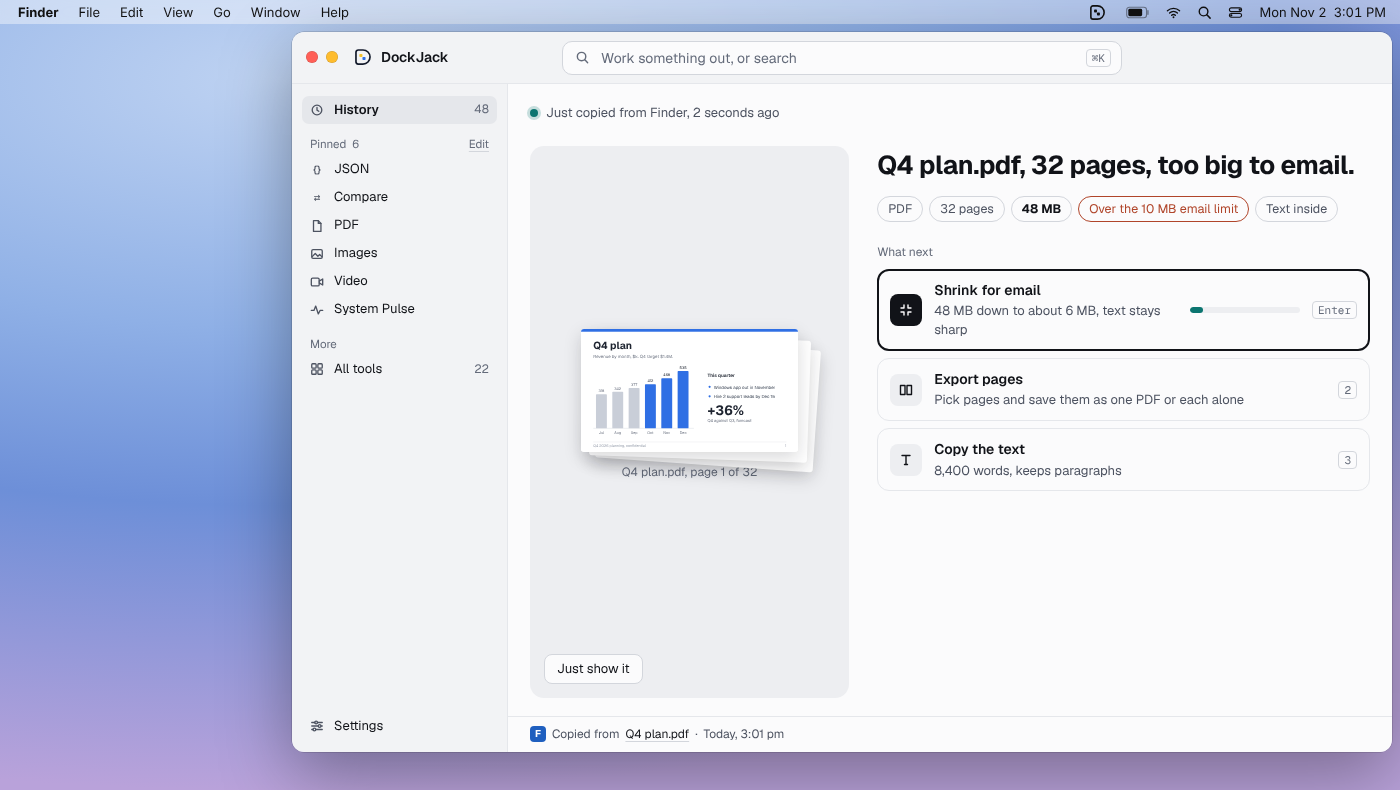
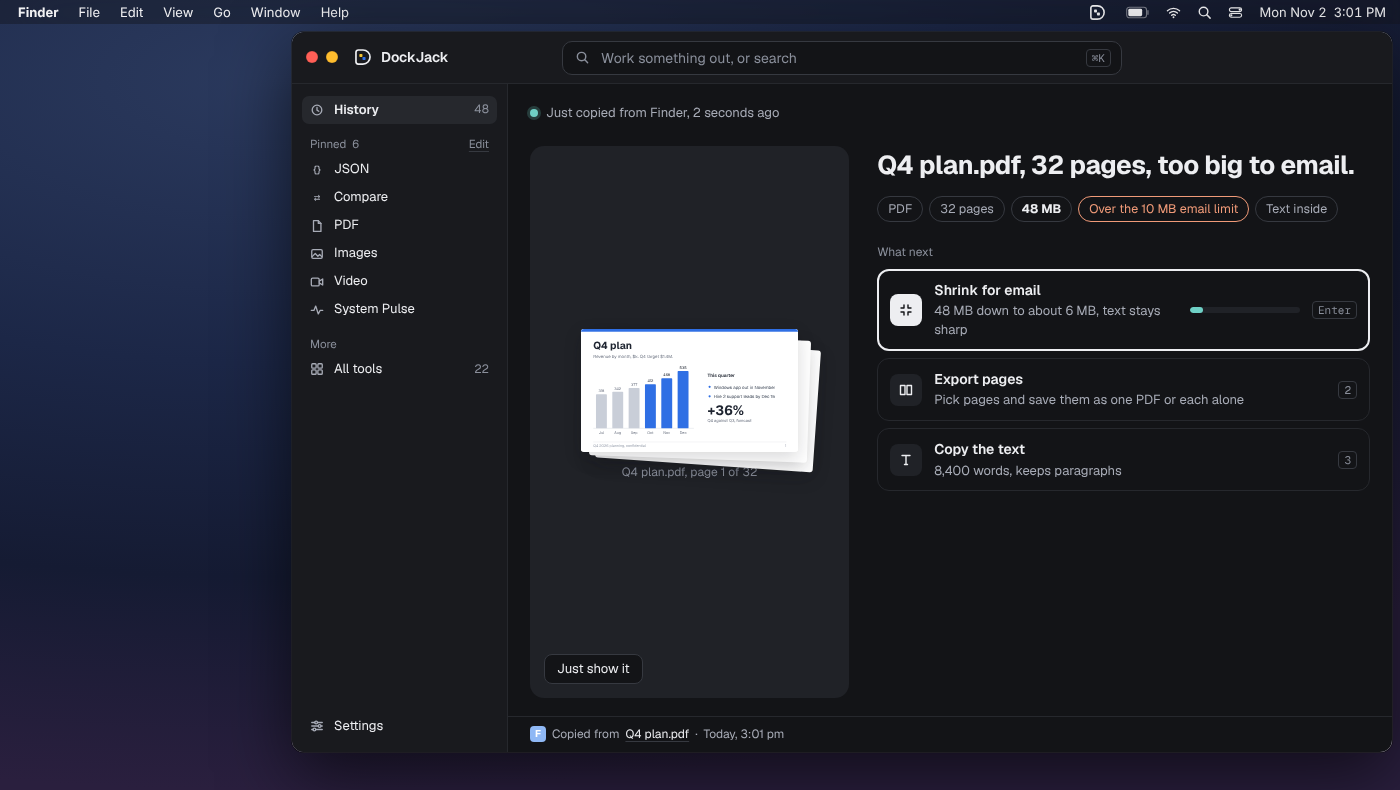
No tab. No upload.
For everyone
Shrink, convert and sign without a website.
PDFs, photos, slides and video, done on your computer.
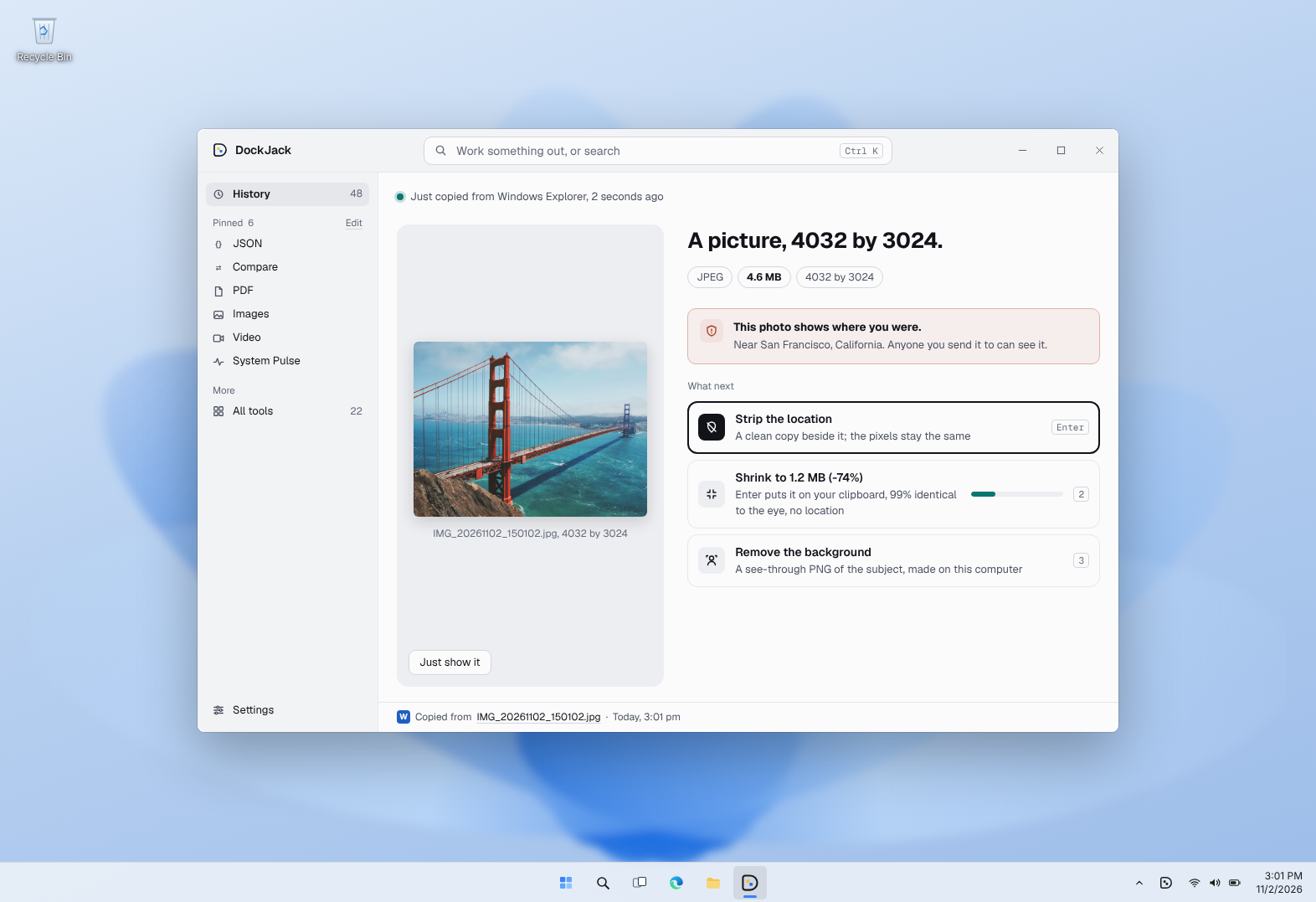
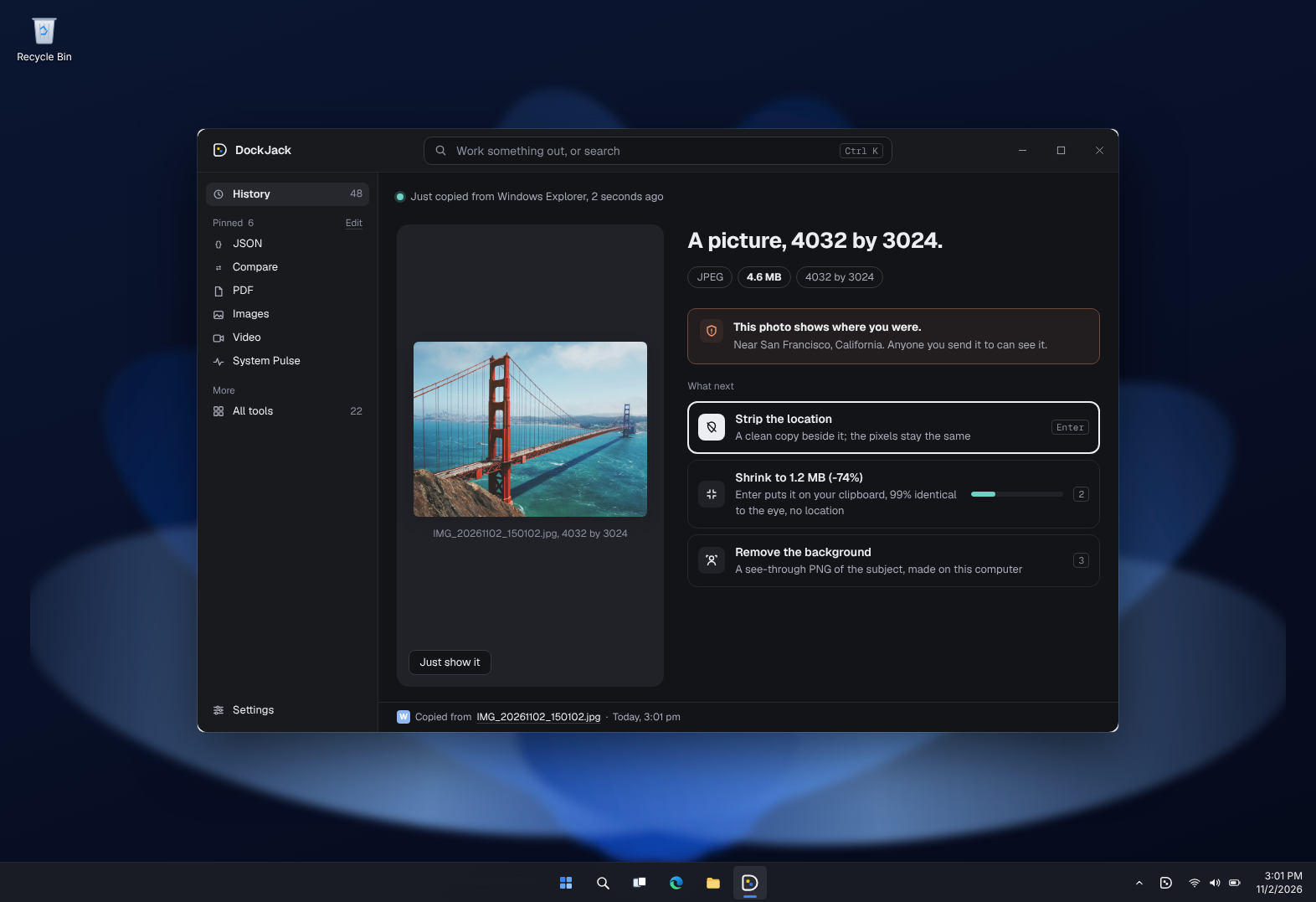
For managers and teams
Your files never leave your computer.
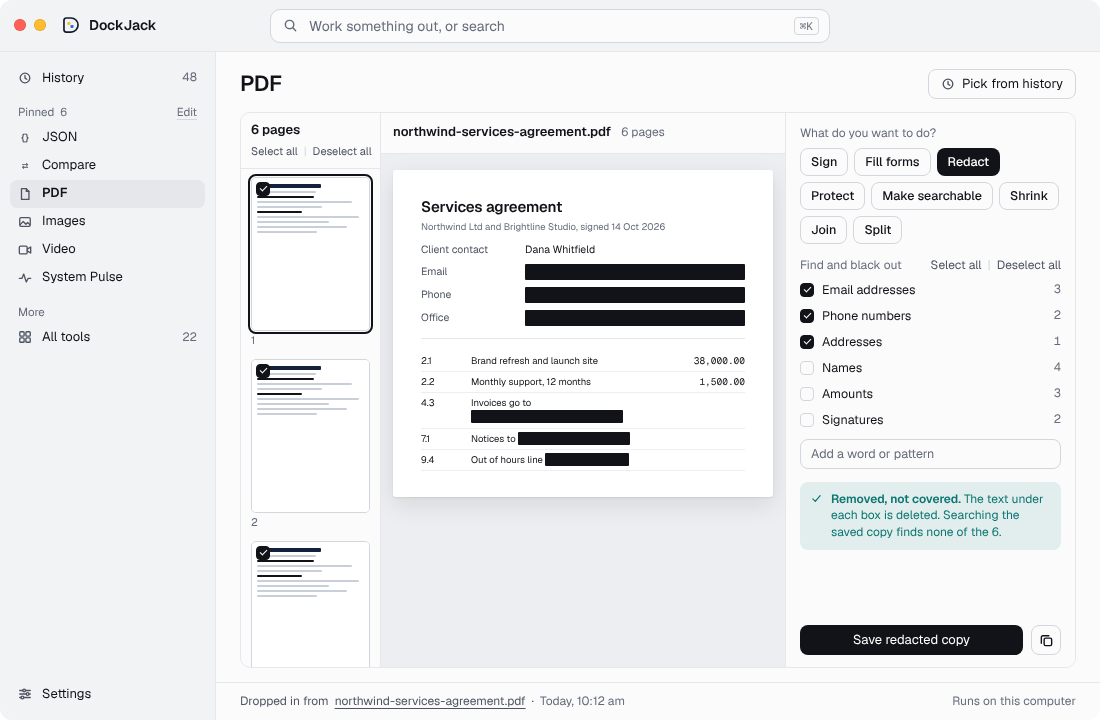
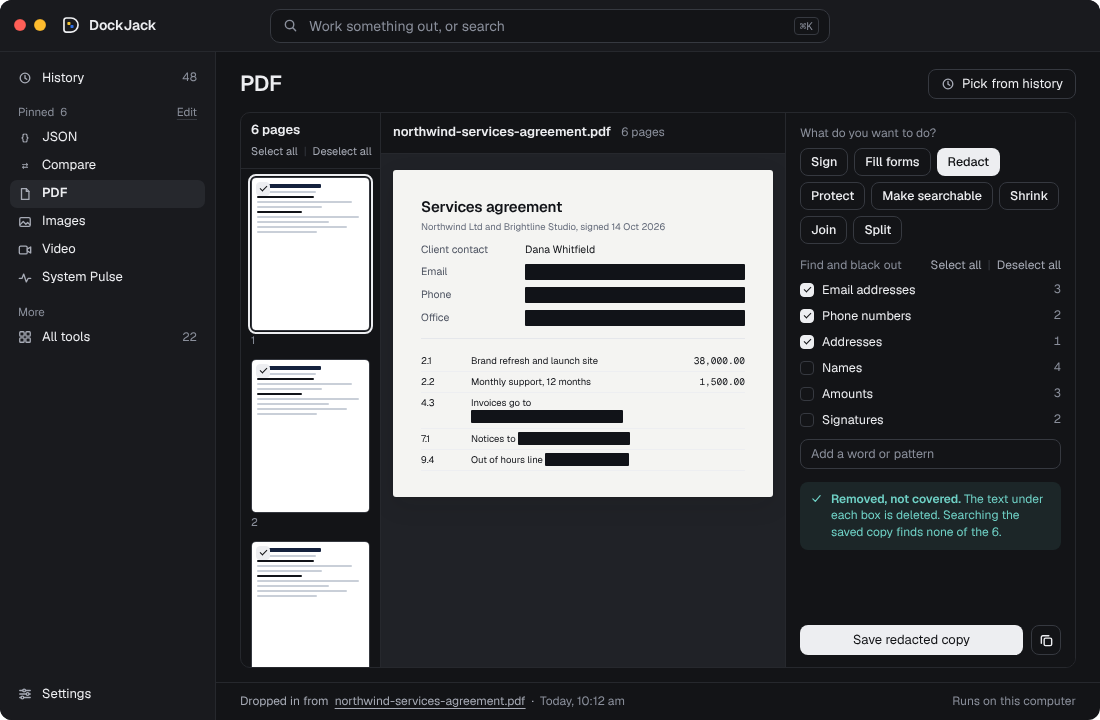
Contracts, plans and decks stay on the laptop. Redact for real, sign, fill forms and add a password without uploading anything.
saved pastes exposed keys and passwords on online formatters.
watchTowr Labs, November 2025.For developers
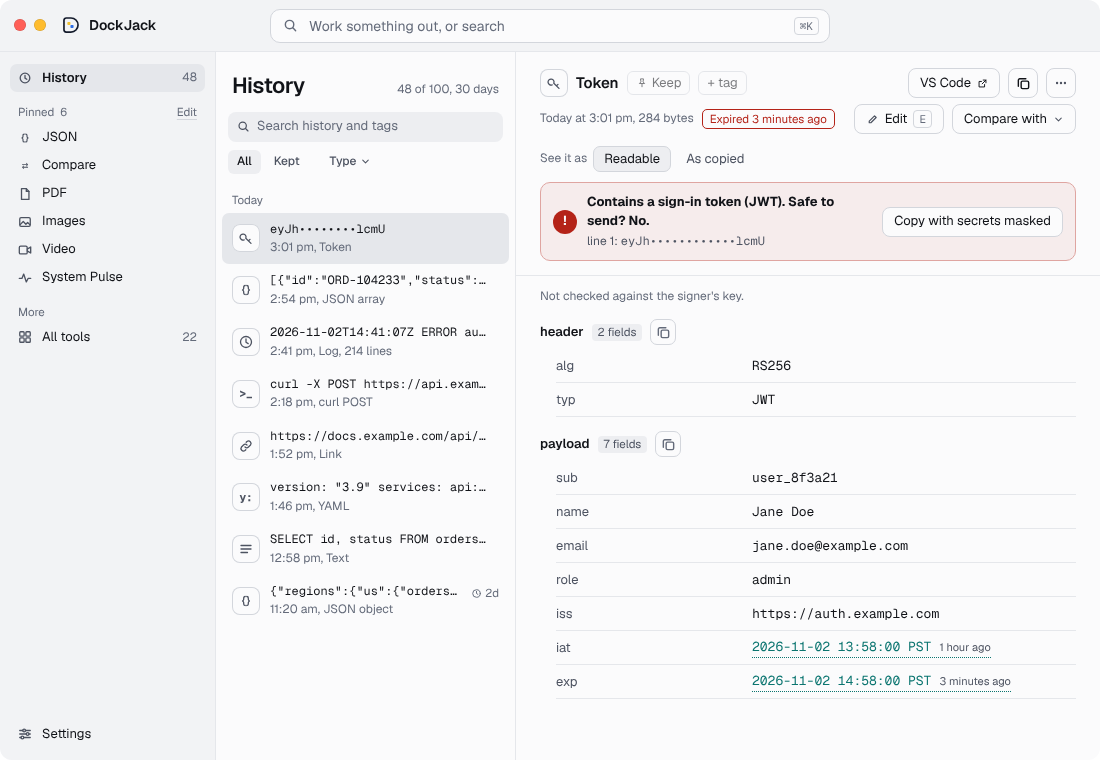
Decode, compare and catch leaks on your machine.
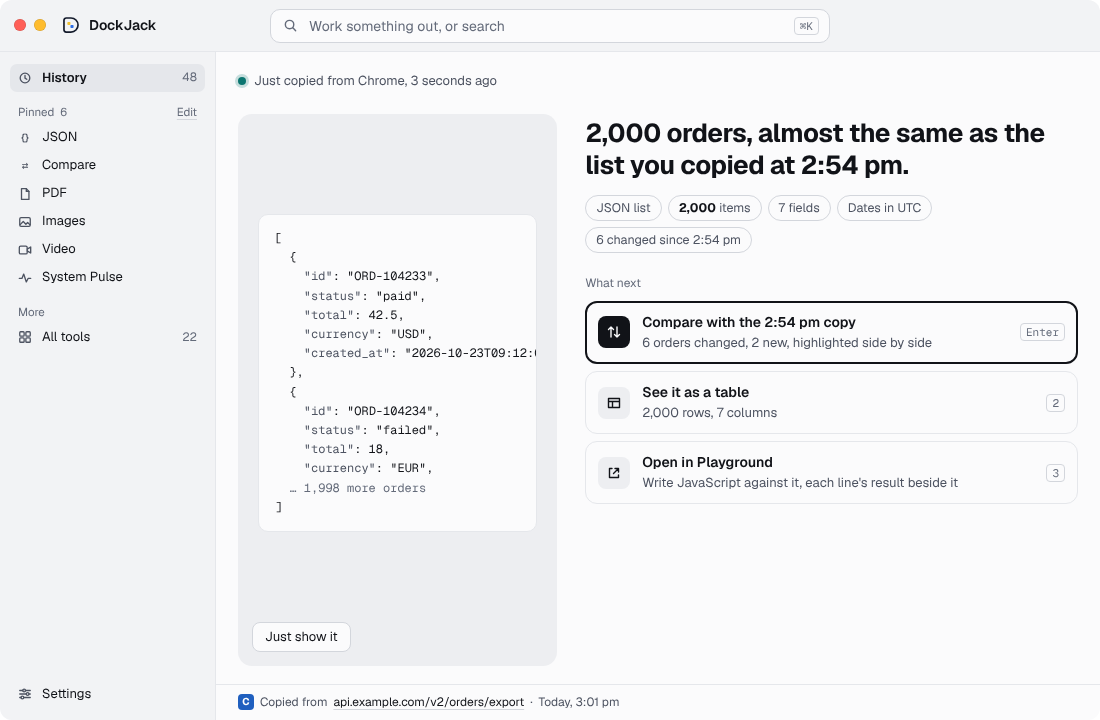
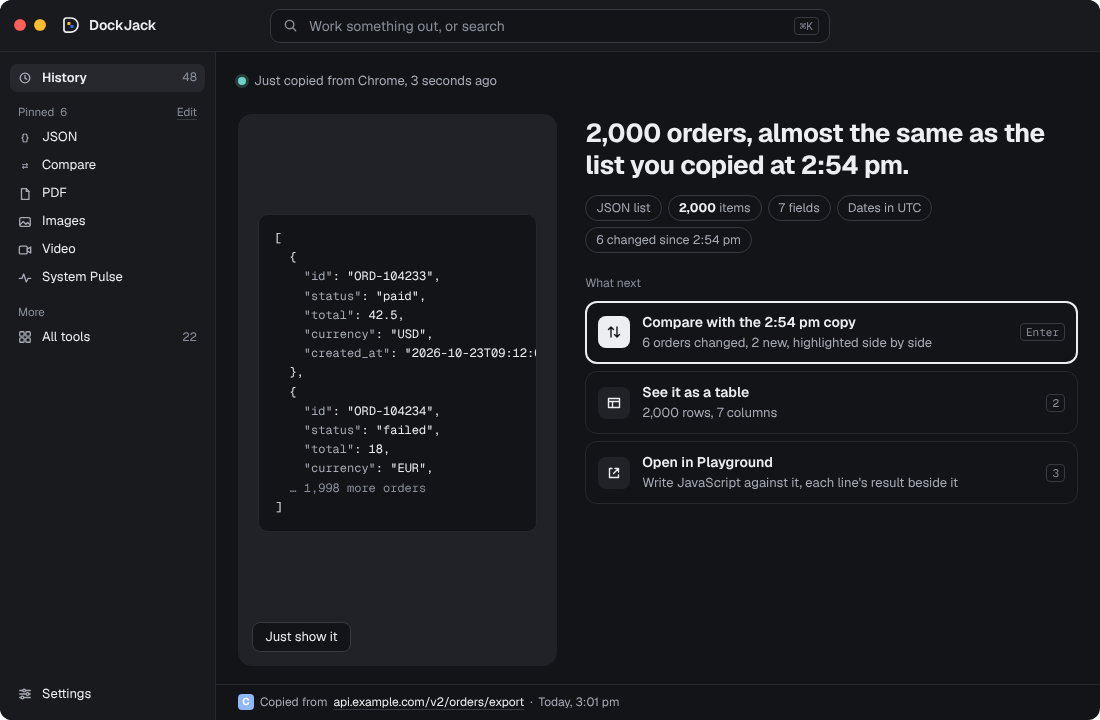
Tokens, API responses and logs, with nothing pasted into a website.
Dock of Many Trades.
Every tool you'd open a website for, in one app.
Redact, sign, fill forms, protect, shrink, join and split.
Shrink to a size, convert HEIC, remove the background.
Fit under 10 MB, trim, make a GIF, even out loudness, see what was said.
Fields, rows and groups you click, and Playground for code.
Two versions side by side, differences marked in place.
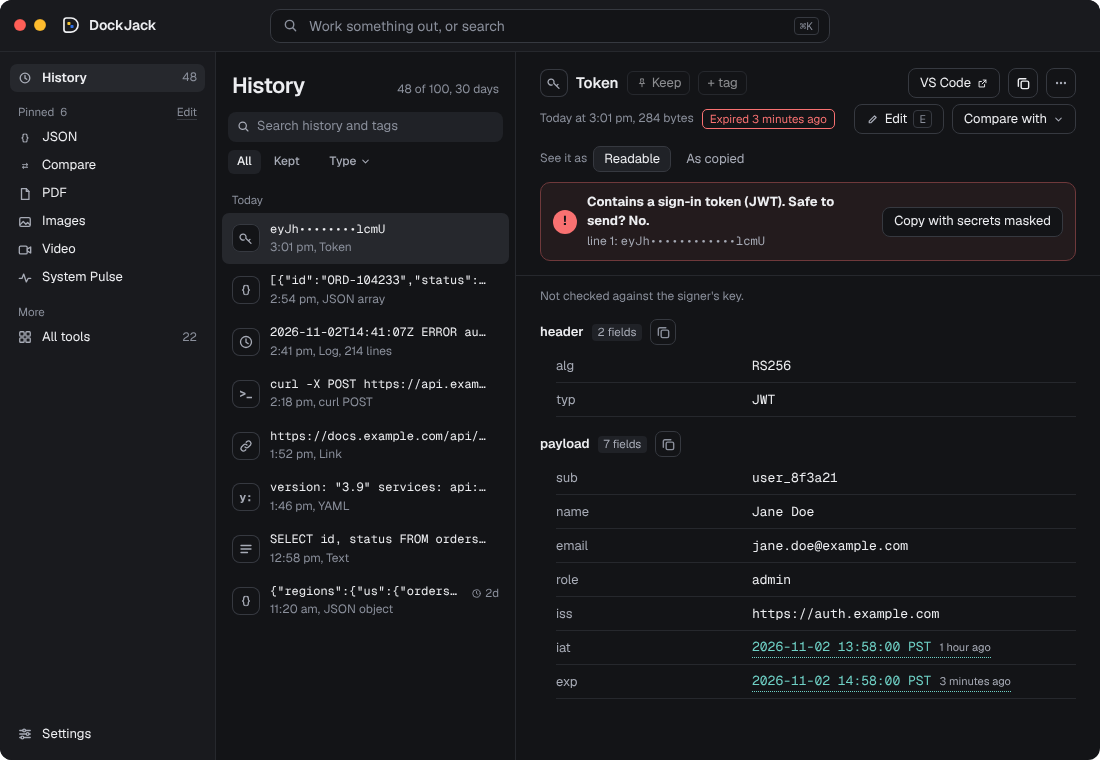
A copied login token opens decoded, with when it expires. Certificates and SSH keys read in Developer tools.
Sums, units, money and time zones in the top bar.
Everything you brought in, with where it came from and when.
Into English with a model you install once, then it works offline.
Data
- JSONThe JSON in your history, read
- YAML and XMLRead it, or turn it into JSON
- CompareTwo copies side by side, differences marked
Files
- PDFShrink, join, export, crop, rotate, remove and reorder pages
- ImagesCompress, resize and convert
- VideoShrink, trim, make a GIF, extract the audio
- AudioEven out loudness, trim and convert
- QR codeMake a QR code, or read one
Text and secrets
- RegexBuild a pattern from blocks, try it on a copy
- LogsFilter by level and search
- TranslateInto English, on this computer
Developer
- HashesMD5, SHA and HMAC; check a download
- UUID and ULIDMake new ones, or read one
- TimestampsUnix time, ISO and zones
- Number basesBinary, octal, decimal and hex
- Format codeHTML, CSS, JS, SQL, GraphQL
- TextChange case, sort lines, remove backslashes
- CertificatesPEM certificates and SSH keys
- GeneratePasswords, secrets and filler text
- ConvertSpreadsheet to JSON and back, TypeScript types
- CronBuild a schedule, or read one
This computer
- System PulseMemory, CPU, disks and ports
Trusted open-source engines like FFmpeg, set up in one click. No plugins, no logins.
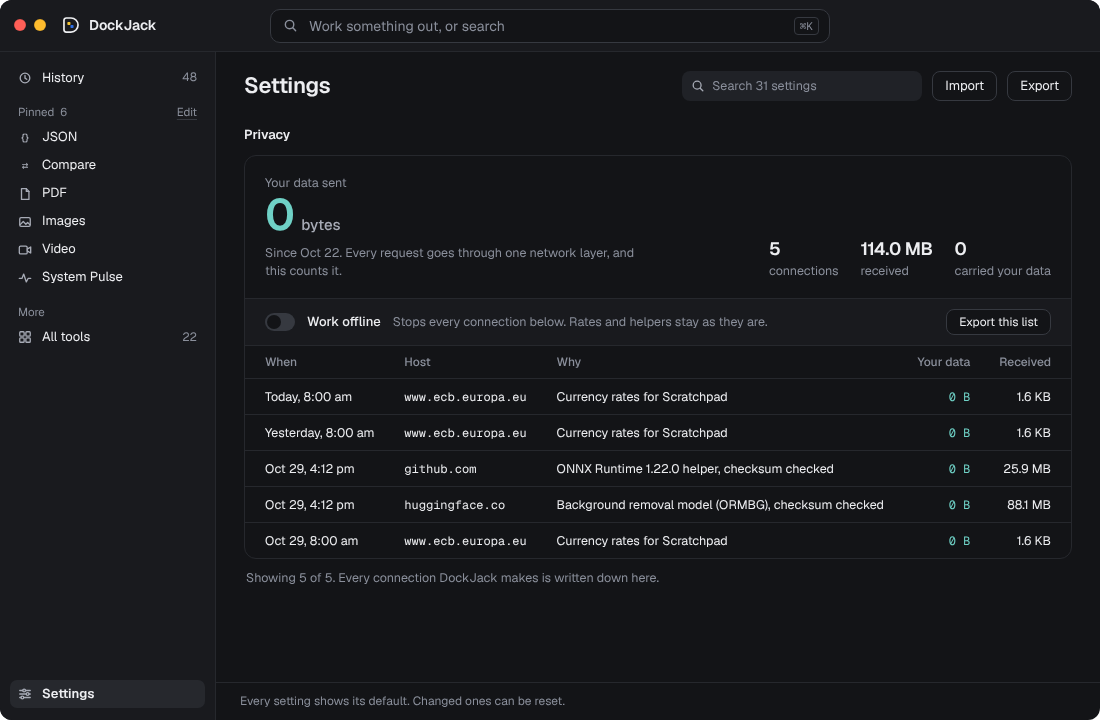
Nothing goes out.
data sent
Downloads only: daily rates, and the tools you install. Nothing of yours is sent.
Why DockJack
| DockJack | PDF and image websites | Online formatters | DevToys | DevUtils | |
|---|---|---|---|---|---|
| Your data stays on your computer | Yes | No | No | Yes | Yes |
| Knows what you have | Yes | No | No | Yes | Yes |
| Suggests what to do next | Yes | No | No | No | No |
| PDF, image and video tools | Yes | After upload | No | No | No |
| Mac and Windows | Yes | In a browser | In a browser | Yes | Mac only |
$10 a year.
Free in the beta. Every tool, every new release.
- Every tool, every new release
- Mac or Windows
Questions
Does anything I bring in leave my computer?
No. DockJack does all of its work on your computer. It only reads public things in, like daily currency rates, and downloads a model only when you choose to install it. Each connection is listed in Settings, and Work offline turns them all off.
Does it use AI?
DockJack doesn't need AI. For a few tools, you can run an AI model on your own computer with one click: transcripts, translation and background removal.
Which computers does it run on?
Mac: macOS 13 Ventura or later, on Apple silicon (M1 or newer). Windows: Windows 10 or 11, 64-bit. It installs just for you, so no admin rights are needed. Under 50 MB to download. Optional tools and models you install take more.
Is it a clipboard manager?
No. It works out what you have, however it arrived, and does the job you would otherwise take to a website.
Stop pasting.
Join the beta for Mac and Windows. Leave your email and we will send the download.